Rethinking mobile search
As a freelance developer, I created Vebser Browser to solve a personal frustration: most mobile browsers lock you into a single search engine or push sponsored content. I wanted complete control over how and where I search — without sacrificing privacy or performance. The result is a native browser that’s fast, secure, and features a unique search hub that lets users assign different providers to images, videos, web, and even ChatGPT.
Native speed
Built with WKWebView (iOS) and Android WebView, optimized for instant page loads and smooth multitab management. No cross‑platform bloat.
Privacy by design
No analytics, no ads, no third‑party scripts. An incognito mode that truly leaves no history, cookies, or cache behind. Everything stays on device.
Custom search hub
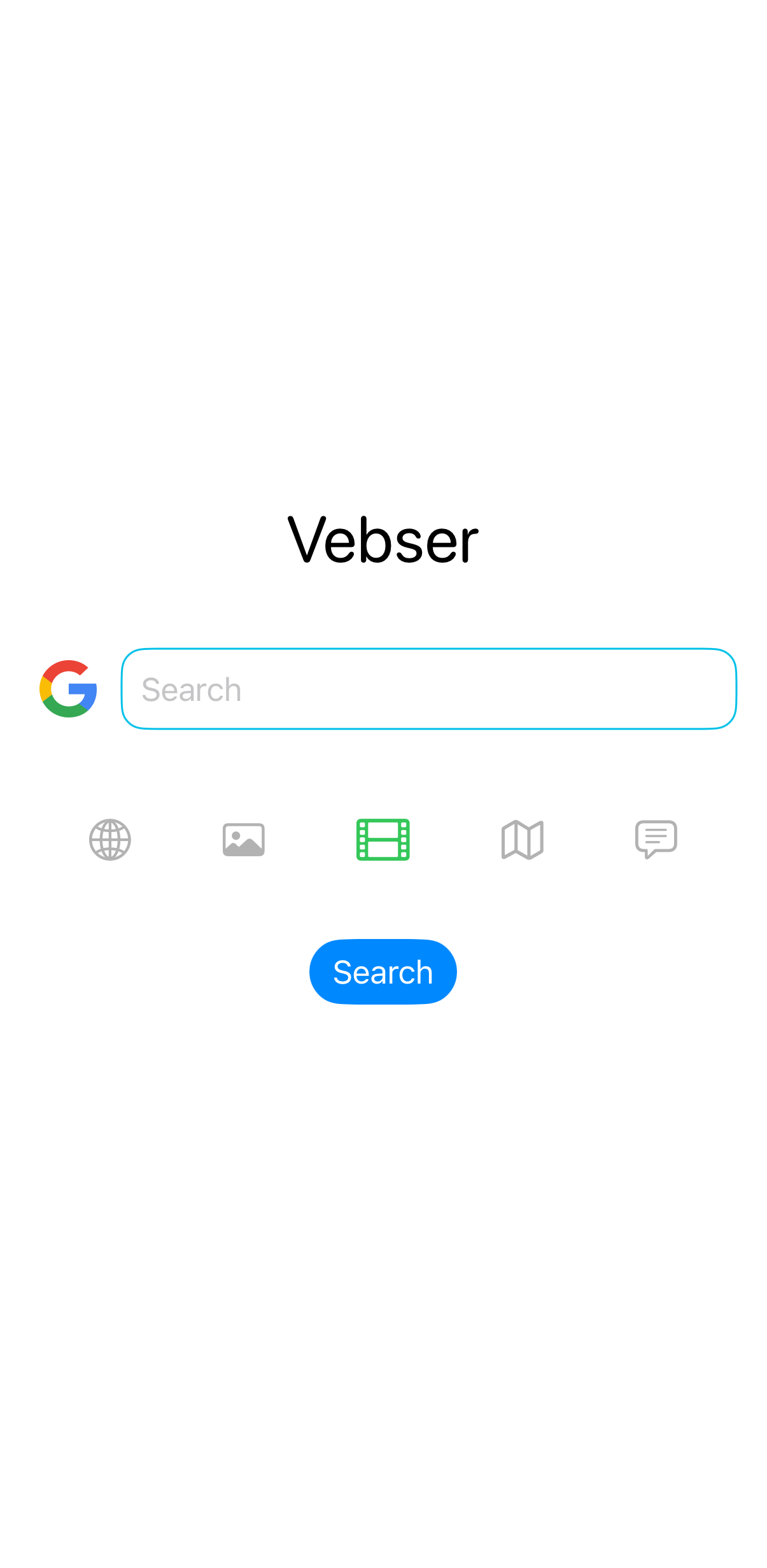
The centerpiece: choose different search engines for images, videos, web, and AI chat — all from one clean homepage. Complete user control.
One search bar, many needs
Standard mobile browsers force you to switch between tabs or apps to search for images, watch videos, or get AI answers. The start page is often cluttered with suggested articles and trackers. I wanted a single, distraction‑free interface that adapts to the type of search I need — with the engine I trust.
The search command center
Vebser Browser’s homepage is not just a search bar — it’s a fully configurable hub. Select your intent (Web, Images, Videos, ChatGPT) and instantly query the provider you’ve assigned to that category. Change them anytime in settings. No clutter, no compromise.
How the search hub works
Users can assign a different search engine to each category.
For example: Google for web, YouTube for videos, Bing for images, and the You for AI prompts. All preferences are stored locally — no server, no account.
Customizable per category · Extensible · Instant switching
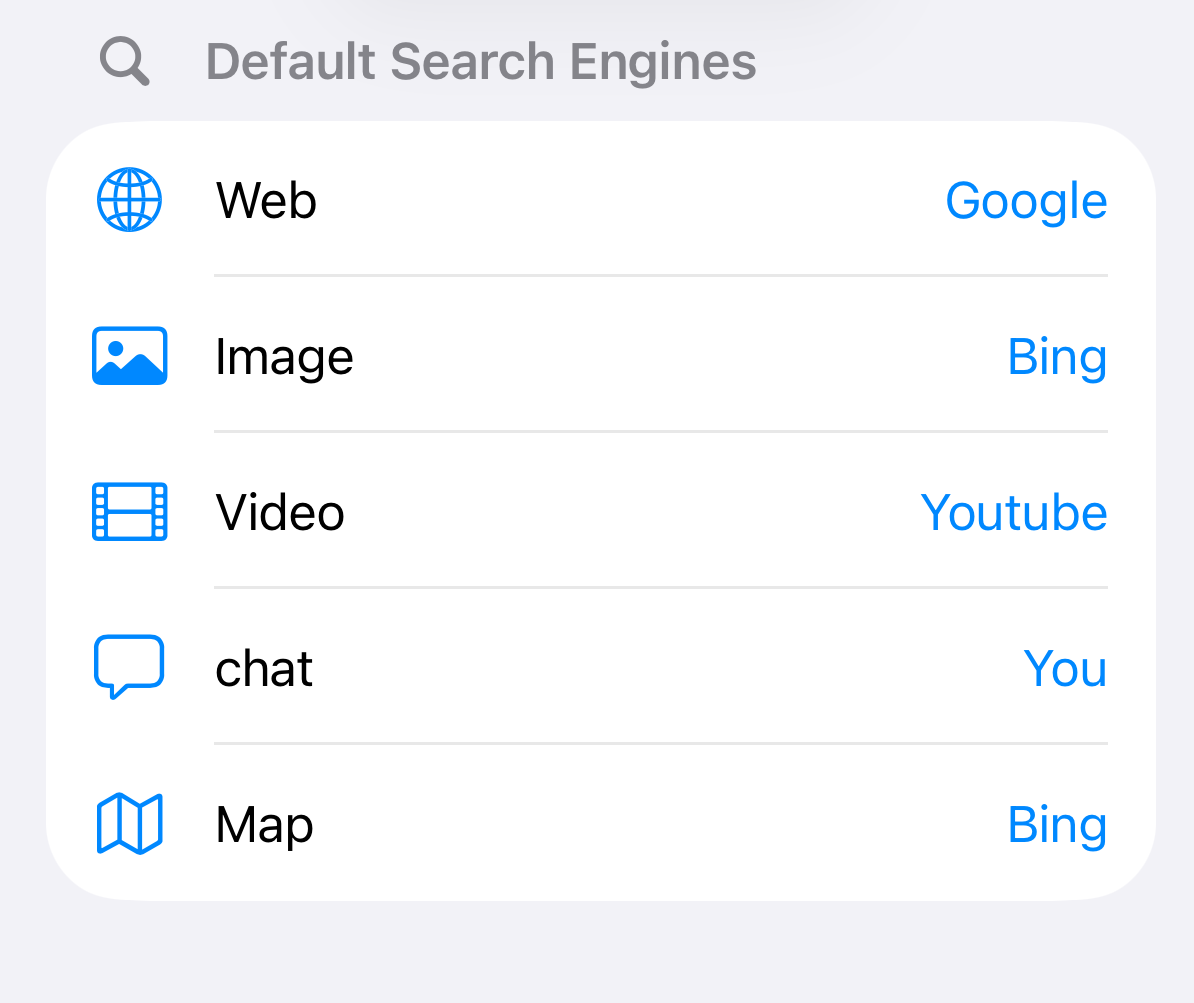
Pick your provider per category
Everything you expect, and more
Multi‑tab management
Open, switch, and close tabs with native gestures. The interface is clean and familiar on both platforms.
Bookmarks & History
Save favorite pages and revisit them anytime. All data is stored locally — never synced to a cloud.
True incognito mode
Toggle a mode that doesn’t record any history, cookies, or form data. Perfect for private sessions.
Native foundations
Both versions leverage the platform’s best tools for performance and maintainability.
iOS (Swift)
- ✅ WKWebView with fine‑tuned configuration
- ✅ SwiftUI for tab switcher & settings
- ✅ UserDefaults & Core Data for storage
Android (Kotlin)
- ✅ Android WebView (hardware accelerated)
- ✅ Jetpack Compose for UI
- ✅ DataStore & Room database
From hobby to portfolio piece
🔁 Cross‑platform balance
Navigating the differences between WKWebView and Android WebView taught me deep platform‑specific optimization while keeping the feature set identical.
⚙️ Dynamic routing engine
Building a flexible system that maps user‑chosen providers to correct URLs/API endpoints using a factory pattern on both platforms.
👨💻 Independent workflow
I designed (Figma), developed (Xcode/Android Studio), and tested everything myself — reinforcing my ability to ship polished products solo.